
If you are managing your freelance clients, content ideas, and deadlines on sticky notes, Google Sheets, or messy emails—you are losing money and time.
monday.com isn’t just for massive corporate teams. It is the perfect visual workspace for solo creators and freelancers who want to look 10x more professional and keep every project organized in one beautiful dashboard. In this honest review, we’ll see if it’s worth your time.
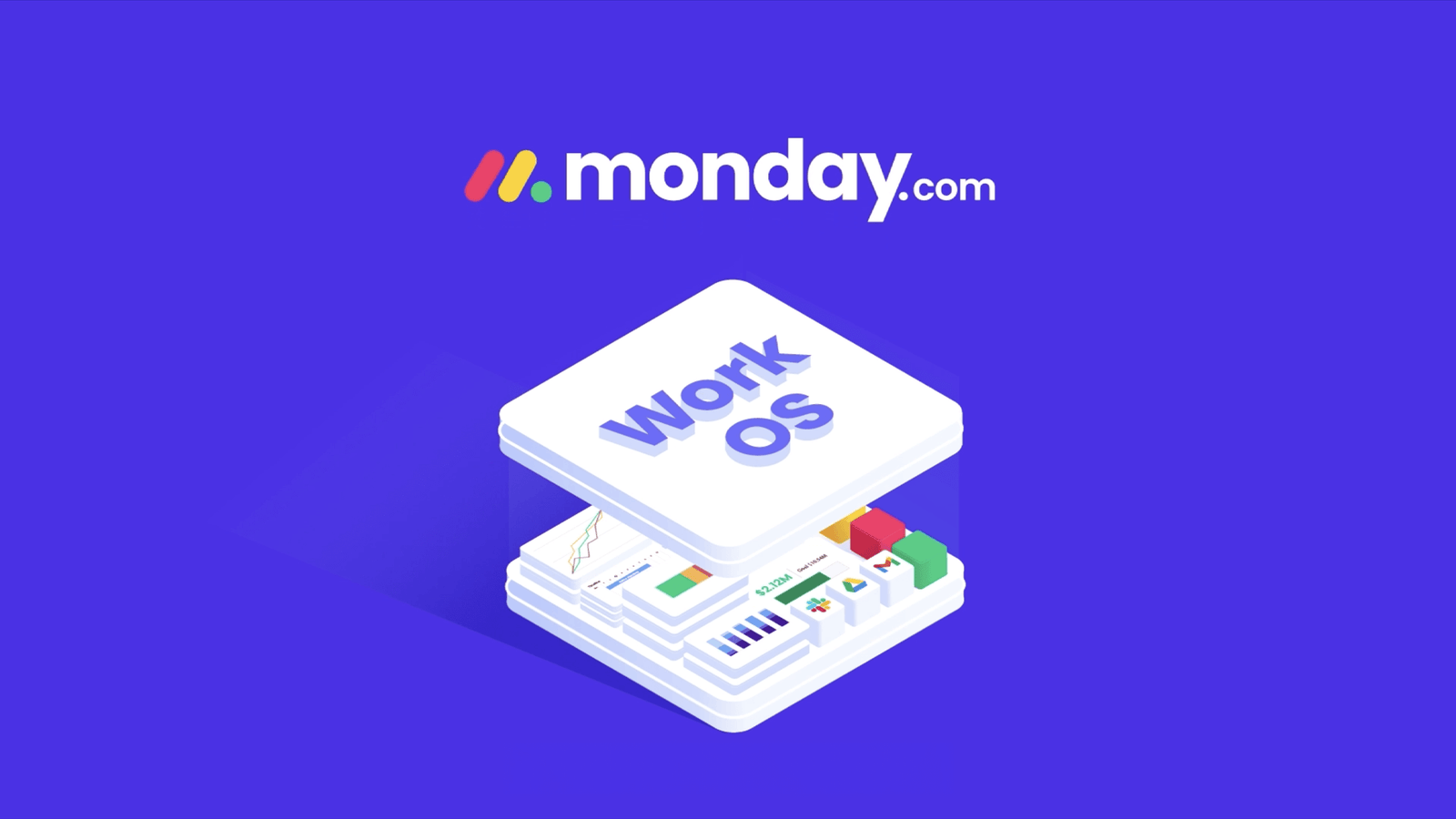
⭐️ Quick Verdict: 4.8 / 5.0
monday.com replaces your messy spreadsheets, Trello boards, and endless email threads. With its colorful visual boards and ready-made templates, you can manage your entire freelance business, content calendar, and client invoices in one place. Best part? The basic version is 100% free forever for individuals.
Why Creators Are Ditching Spreadsheets for monday.com
- Visual & Addictive Interface:
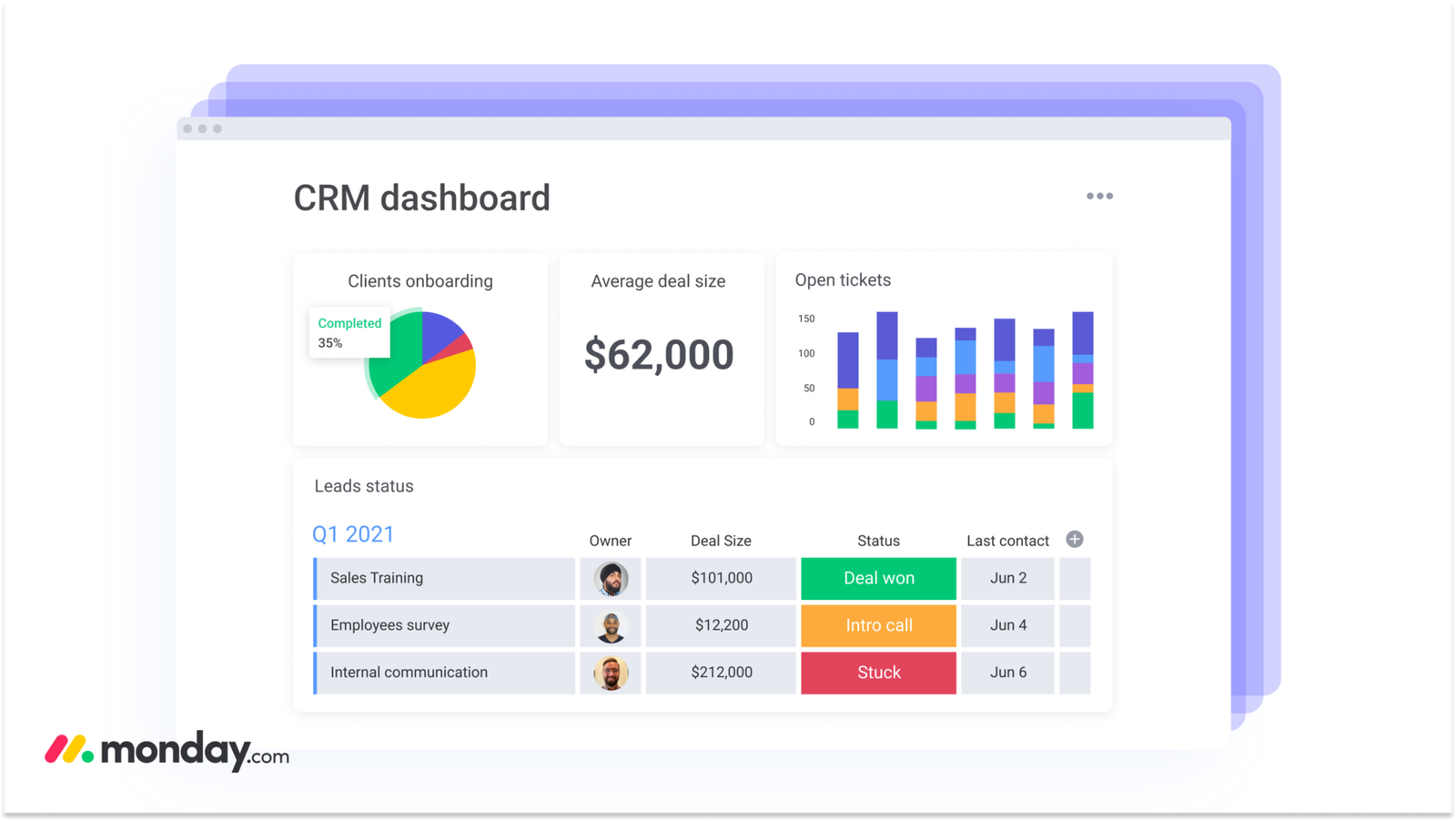
Unlike boring Excel sheets, monday.com uses colorful tags, status bars (Done, Working on it, Stuck), and timelines. It actually makes organizing your work feel like a fun game. - 200+ Plug-and-Play Templates:
You don’t have to build anything from scratch. Need a Content Calendar for YouTube? A Client Onboarding tracker? Or an Invoice Manager? Just click a template, and your workspace is ready in 30 seconds. - Automate the Boring Stuff:
Set up simple rules like: “When I change status to ‘Done’, automatically send an email to my client.” It saves you hours of manual work every week.
Pros & Cons: The Honest Truth
✅ The Pros (Why You’ll Love It):
– Forever Free Plan: Up to 2 seats, perfect for solo freelancers.
– Mobile App: Manage your tasks and client updates directly from your phone.
– Client Transparency: You can share a specific board with your client so they can see live progress without texting you for updates.
❌ The Cons (Things to Consider):
– Slight Overwhelm at First: It has so many features that it might feel heavy for the first 15 minutes. Stick with a simple template to start.
– Team Plans Can Add Up: If you hire a team later, the paid plans require a minimum of 3 users.
Is It Worth The Money? (Pricing Breakdown)
Here is the best news for beginners: You don’t need to pay to get organized. monday.com offers a robust Free Forever Plan for up to 2 users, which is all you need to track your daily tasks, content pipeline, and clients.
Once your business grows and you need advanced automations or timeline views, their basic paid plans are extremely affordable, costing less than a Netflix subscription. It is the cheapest investment for a stress-free professional life.
💡 Zero-Risk Tip: Start with the Individual Free Plan. Pick the “Freelance/Content Tracker” template, play around with the colorful status boards, and see how much time it saves you. You have nothing to lose!
We may earn a commission when you click through our links at no extra cost to you.