
Building a website used to mean two things: spending weeks learning complex code or getting stuck with rigid templates that look generic.
Webflow bridges this gap completely. Whether you are a freelancer showing off your portfolio, a creator launching your brand, or someone starting their first online project, Webflow gives you complete creative freedom without requiring code. In this review, we cover its features, pricing, and whether it fits your daily needs.
⭐ Quick Verdict: 4.9 / 5.0
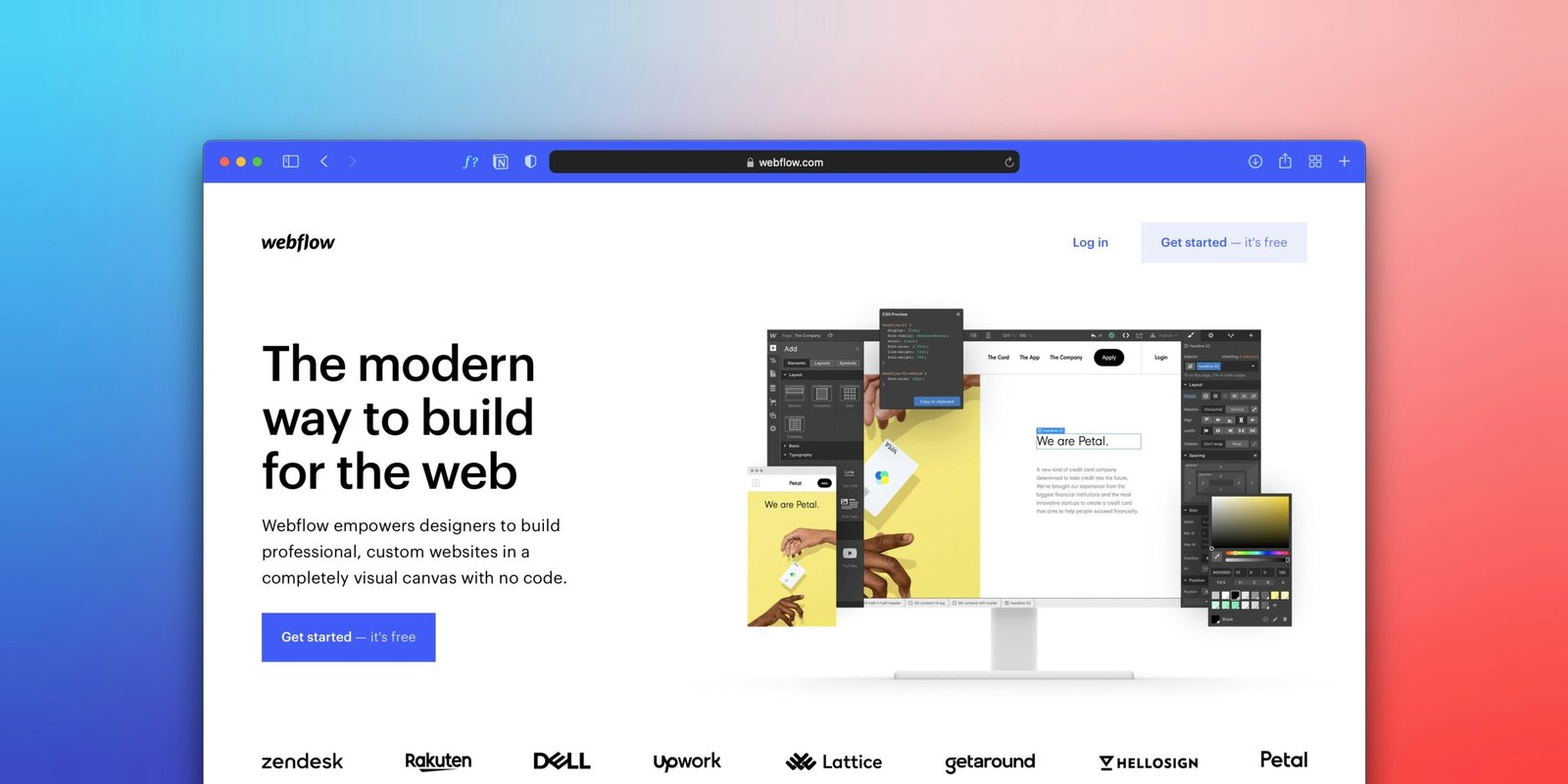
Webflow is the gold standard for anyone who wants complete visual design freedom without touching code. You get ultra-fast AWS hosting, zero maintenance plugins, and full creative control. If you want a portfolio, creator site, or modern blog that looks 10x better than generic templates, this is it.
👉 Try Webflow for 100% Free
Why Regular Creators & Freelancers Prefer Webflow Over Traditional Builders
- Zero Code, 100% Creative Control: Forget ugly templates where you cannot move a button 5 pixels to the left. With Webflow, what you design visually is exactly what appears live on the web.
- No Plugin Headaches: Unlike WordPress where plugins break after every update, Webflow has hosting, security, backups, and forms built-in natively. You spend zero hours on site maintenance.
- Blazing Fast Speed Out-of-the-Box: Powered by Amazon Web Services (AWS) and Fastly CDN, your site loads instantly worldwide without buying expensive caching setups.
- Build for Free Before Spending a Dollar: You can build and design your entire project on a free staging domain (.webflow.io) and only pay when you are ready to connect a custom domain.
Who Is Webflow Best For?
- Freelancers & Designers: To build high-ticket client sites or stand-out personal portfolios that win high-paying projects.
- Content Creators & Bloggers: Who want dynamic CMS collections, clean typography, and instant SEO rankings.
- Students & Beginners: Who want to learn modern web design principles visually without getting lost in coding syntax.
- Side Hustlers: Who need a clean, professional landing page to test an idea fast.
Webflow Pricing: Which Plan Should You Pick?
– Starter ($0/mo): 100% free forever. Perfect for learning, prototyping, and testing ideas with 2 pages and full visual features.
– Basic ($15/mo): Best for static portfolios and simple personal websites with a custom domain.
– Premium ($25/mo): Best for blogs, content sites, and creators needing full CMS and high bandwidth.
Ready to Bring Your Ideas to Life?
You don’t need coding skills or an agency budget to build an extraordinary website. Start designing on Webflow today completely free.
👉 Get Started With Webflow Free →
Pros & Cons: The Honest Truth About Webflow
✅ The Pros (Why You’ll Love It):
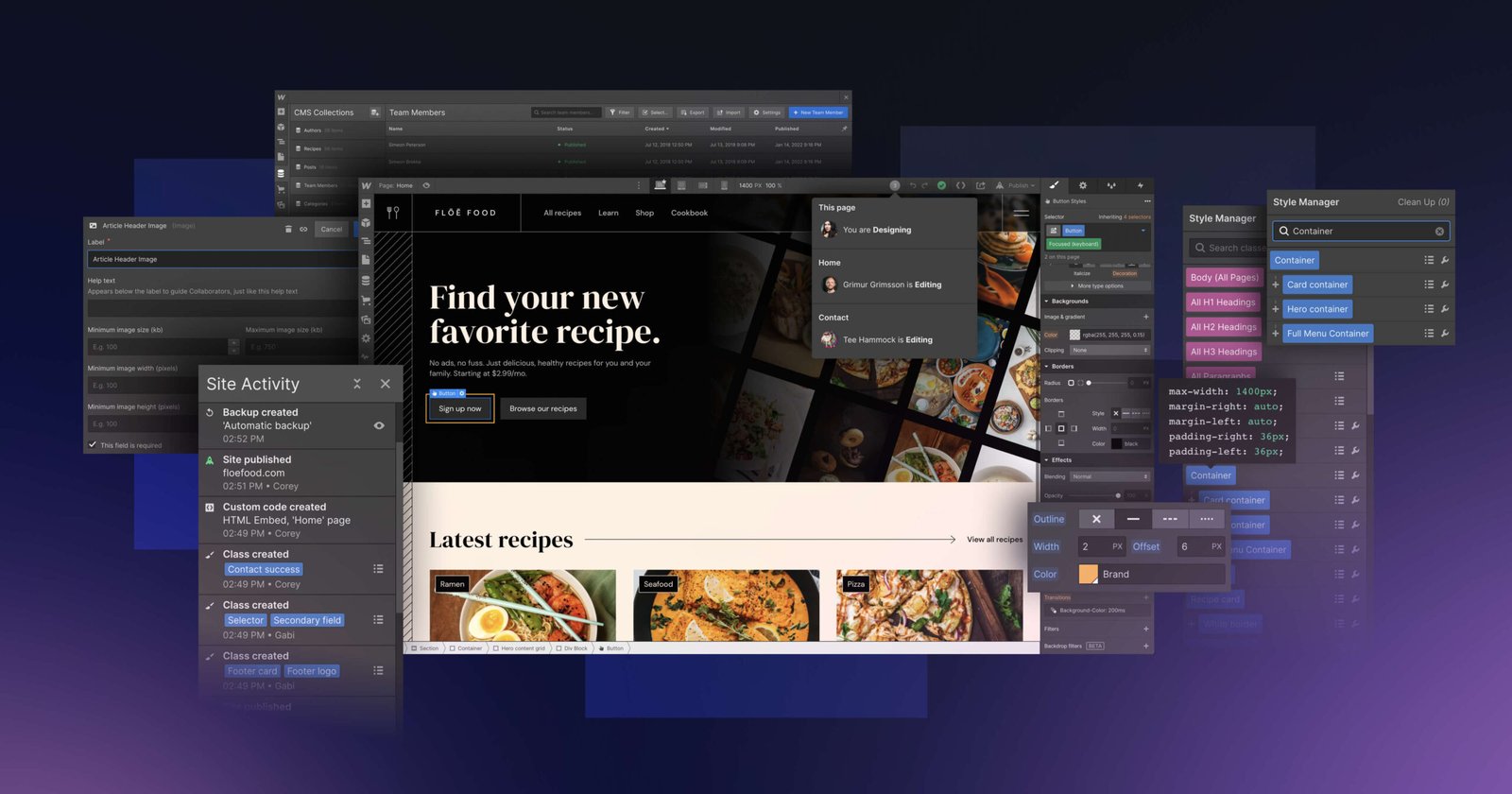
– Agency-Level Design: Build websites that look like they cost $5,000+, without paying a developer.
– All-in-One Solution: Forget buying separate AWS hosting, security, and SSL. It’s all included.
– 100% Free to Build: Take 2 days or 2 months to design your site on a staging domain for free. You only pay when you go live.
❌ The Cons (Things to Consider):
– Slight Learning Curve: It’s not as basic as Canva. You’ll need 1-2 hours to understand the interface, but the results are 100x better than basic Wix sites.
Is It Worth the Money? (An Absolute Steal)
Let’s be real. Hiring a web developer in the US or UK costs thousands of dollars. Even building a WordPress site requires buying premium hosting, paid themes, and expensive plugins.
Webflow’s basic plan starts at just $15/month—roughly the cost of two cups of coffee. For that price, you get an ultra-fast, unbreakable website that automatically makes your brand look premium and trustworthy. It is the cheapest investment for the highest professional return.
💡 Zero-Risk Tip: You don’t need to buy a custom domain right away. Webflow gives you a 100% free staging domain (.webflow.io) on the Starter Plan, meaning you can design, test, and share your site completely free before spending a single dollar.
We may earn a commission when you click through our links at no extra cost to you.